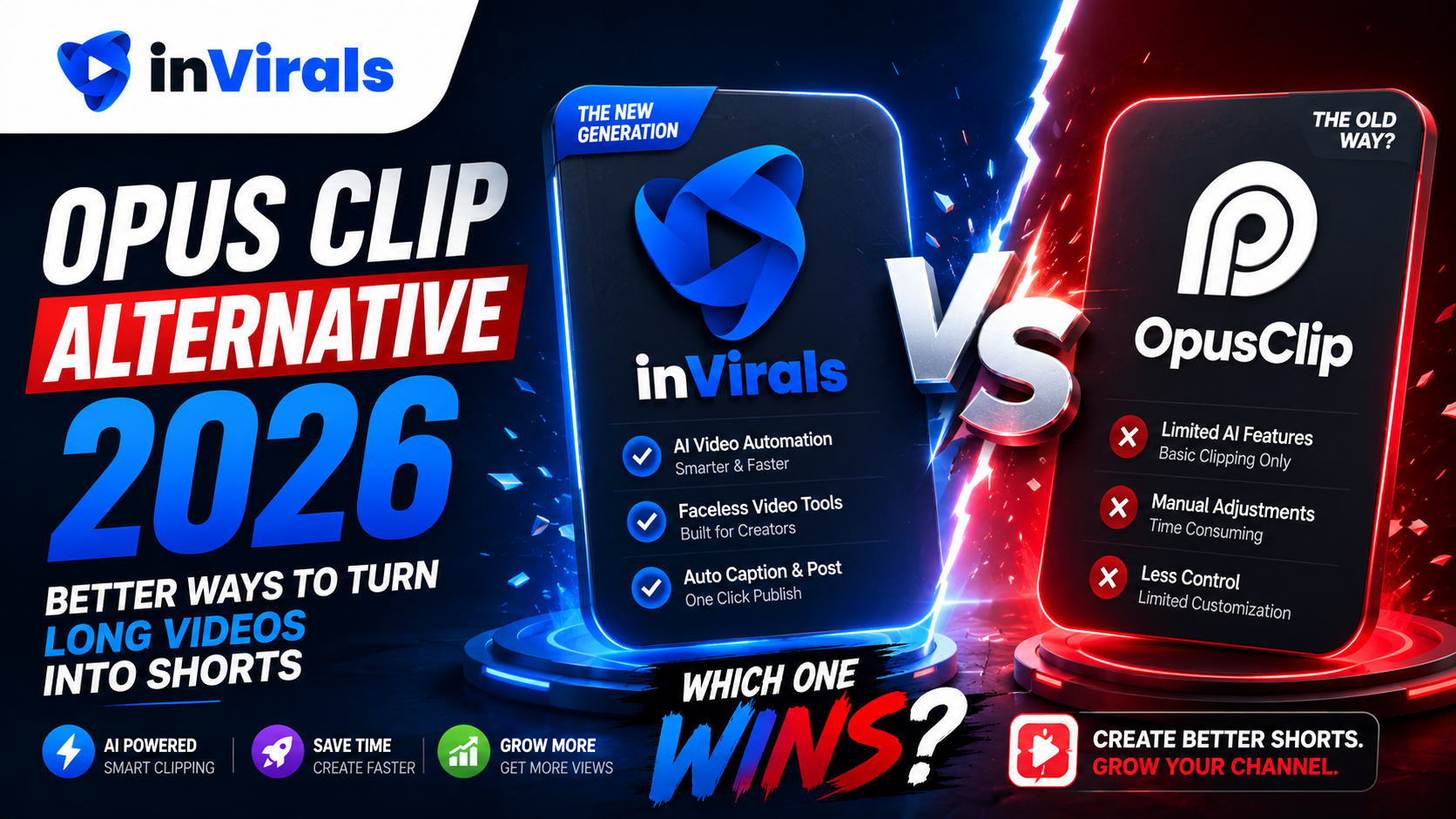
Opus Clip Alternative 2026: Better Ways to Turn Long Videos into Shorts
Opus Clip earned its popularity by doing one thing well: it takes a long video, finds the most engaging moments, and turns them into ready-to-post clips with captions. If you already produce long-form content like podcasts, webinars, or YouTube videos, that is genuinely useful. But Opus Clip has a clear boundary. It repurposes existing footage. It does not generate original content. And if you do not already have a library of long videos, it has nothing to work with.
That limitation is exactly why many creators look for an Opus Clip alternative in 2026, especially those building faceless channels who need to create content from scratch, not just slice up what they already have. This guide compares the options and explains where each tool fits.
What Opus Clip does well, and where it stops
Credit where it is due. Opus Clip is excellent at:
- Analyzing long videos to find high-engagement segments.
- Auto-generating captions and reframing to vertical format.
- Producing multiple clips from a single source video quickly.
- Adding a virality score to help you pick which clips to post.
But its limitations become obvious fast:
- It needs source footage. No long video means no output. It cannot create content from a topic or idea.
- No original generation. It cannot produce faceless videos, AI visuals, or text-to-video content.
- Limited to repurposing. If you want to build a channel from nothing, Opus Clip alone will not get you there.
- No daily automation from scratch. It clips what you feed it; it does not run an autonomous content series.
Why creators need more than a clipping tool
The faceless content model in 2026 is built on volume and consistency. To grow, you need to publish daily across TikTok, YouTube Shorts, and Instagram Reels. If your entire strategy depends on first producing long-form videos and then clipping them, you have a bottleneck: the long videos themselves. Most faceless creators do not want to film or produce hours of source footage. They want to generate finished shorts directly from ideas.
Key point: Opus Clip is a repurposing tool. A faceless channel needs a creation tool. Those are different jobs.
inVirals vs Opus Clip: comparison
| Feature | inVirals | Opus Clip |
|---|---|---|
| Turn long videos into shorts | Yes | Yes |
| Generate original videos from a topic | Yes | No |
| Faceless video creation | Yes | No |
| AI visuals and characters | Yes | No |
| AI script generator | Yes | No |
| Auto-post daily series | Yes | Limited |
| Auto-captions | Yes | Yes |
| UGC ads and image-to-video | Yes | No |
Why inVirals is the stronger choice for most creators
It both creates and repurposes
inVirals includes an AI clip generator that does what Opus Clip does: take a long video and turn the best moments into vertical clips with captions. But it does not stop there. It also generates original faceless videos from a simple topic, so you are never dependent on having source footage. You get both capabilities in one tool.
No source footage required
This is the decisive advantage for faceless creators. With inVirals you can build an entire channel without ever recording a long video. Enter a topic, and the AI produces a complete short with script, visuals, voice, captions, and music. When you do have long content, you can clip it too.
True daily automation
inVirals runs automated daily series that publish to your connected channels. Opus Clip is designed around manual clipping sessions. For creators who want a hands-off content machine, automation from scratch is essential.
More formats for more growth
Beyond clipping and faceless generation, inVirals offers UGC ad creation and image-to-video. That makes it a complete content engine for both organic growth and paid advertising.
Create versus repurpose: two different jobs
The clearest way to understand the Opus Clip question is to separate two jobs that often get lumped together. Repurposing takes content that already exists and reshapes it into new formats. Creating produces content from nothing but an idea. Opus Clip is built for the first job and does it well. It cannot do the second job at all, because it has no mechanism to generate original footage, write a faceless script, or produce visuals from a topic. It is, fundamentally, a tool for people who already have a content library.
That distinction decides whether Opus Clip alone can support your goals. If you are a podcaster with hours of episodes or a YouTuber with a back catalog, repurposing is exactly what you need and the tool fits. But if you are building a faceless channel from scratch, repurposing has nothing to work with on day one. You need a creation tool first, and ideally one that can also repurpose when you eventually have long content. That is the gap an all-in-one AI faceless video generator fills: it creates original shorts from a topic and clips long videos when you have them.
How AI clip generation actually works
It helps to understand what a clipping tool does under the hood, because it clarifies the limits. A clip generator ingests a long video, analyzes the transcript and audio for moments of high energy or complete thoughts, scores potential segments for engagement, reframes the chosen segments to a vertical 9:16 aspect ratio, and burns in auto-generated captions. The output is genuinely useful, but every step depends on the source video. The tool can only surface moments that already exist in your footage; it cannot invent a better hook, generate a visual that was never filmed, or produce a video on a topic you never recorded. inVirals includes this same clipping capability through its AI clip generator, so you lose nothing on the repurposing side, and it adds original generation on top.
Why faceless creators specifically need creation
The faceless content model in 2026 runs on volume and consistency: publish daily across TikTok, YouTube Shorts, and Instagram Reels. Tie that strategy to a repurposing-only tool and you inherit a brutal bottleneck, because every short depends on first producing a long video. Most faceless creators have no desire to film or narrate hours of source footage; the entire appeal of the model is generating finished shorts directly from ideas. A creation tool removes the bottleneck. You enter a topic, and a complete short, with a hook-first script, original visuals, a realistic voice, captions, and music, comes out the other side. You can produce a week of content in one sitting without ever recording a frame.
Original generation plus a hook-first script
Beyond simply having footage, the quality of a short hinges on its script. A clip pulled from a long video inherits whatever hook the original moment happened to have, which is often weak because the long video was not written for short-form retention. When you generate originally, you control the hook from the first word. inVirals builds every script around an opening that earns attention using its AI video script generator, and you can test alternate openings with the AI video hook generator. That control over the hook is something a clipping-only workflow can never give you, because it is limited to the moments that already exist in the source.
When Opus Clip is still worth using
If you are a podcaster, course creator, or long-form YouTuber who already produces hours of content and only needs to slice it into clips, Opus Clip is a focused, effective tool for that specific job. The alternative matters when you need to create original content, build a faceless channel, or automate daily posting without a source-footage dependency.
How to get started with inVirals
- Sign up at invirals.com.
- To repurpose: upload a long video and let the AI clip generator find the best moments.
- To create from scratch: enter a topic, pick a style and voice, and generate a faceless short.
- Connect your channels and set up a daily series for automated posting.
Cost per published video: the number that matters
When you compare a clipping-only tool with an all-in-one platform, the headline subscription price is the wrong thing to focus on. The number that actually decides your spend is cost per published video at your real posting frequency, plus the cost of every additional tool you would need to fill the gaps. A clipping tool looks affordable in isolation, but a faceless creator who relies on it alone still has to pay for a separate generation tool to create content from scratch, and possibly a third tool for ad creative. Stack those subscriptions together and the "cheap" clipping tool becomes the most expensive line in a bloated toolkit.
An all-in-one platform reverses that math. Because clipping, original generation, UGC ads, and image-to-video live in one subscription, your cost per published video falls as your output rises, and you never add a new bill when your strategy expands. Run the comparison against your own monthly target on the pricing page rather than trusting front-page numbers, and remember to count the formats you will need six months from now, not just today. For most growing creators, consolidating into one tool that both creates and repurposes is cheaper in total than assembling a stack of specialists.
A workflow that both creates and repurposes
The real advantage of choosing a tool that does both jobs shows up in a weekly routine that a clipping-only tool simply cannot support. Picture a creator building a faceless finance channel. They have no podcast and no long back catalog, so on day one a repurposing tool would have nothing to work with. With an all-in-one platform they start by generating original shorts from topics, building a daily baseline with the core AI video generator and publishing automatically to TikTok, YouTube, and Instagram.
A month in, that same creator records one long explainer video on a topic that performed well as a short. Now repurposing finally has fuel: they run the long video through the AI clip generator to harvest six or seven extra shorts, which feed the schedule alongside the original generations. They push the best of those to Instagram with the AI Reels generator, and when an affiliate offer comes up they produce native ad creative in the same account. One platform covers the entire arc from "no content at all" to "repurposing a growing library," which is exactly the arc a clipping-only tool cannot follow because it can only ever start at the second stage.
Pros and cons at a glance
inVirals
Pros: creates original faceless videos from a topic and clips long videos, true daily auto-posting, original AI visuals and consistent characters, hook-first scripts, realistic voices in 20+ languages, plus UGC ads and image-to-video in one subscription. Cons: more capability to explore than a single-purpose clipping app, so spend your first session learning the dashboard.
Opus Clip
Pros: excellent at finding engaging moments in long videos, fast auto-captioning and vertical reframing, helpful virality scoring for picking clips. Cons: cannot generate original content, needs source footage to produce anything, and is not built to run an autonomous daily series from scratch.
Mistakes to avoid when choosing a clipping tool
- Buying a repurposing tool before you have content to repurpose. If you are starting a faceless channel from zero, a clipping-only tool has nothing to work with on day one. Start with a creation tool that can also clip later.
- Assuming a clipped hook is good enough. Clips inherit whatever opening the long video happened to have, which is rarely optimized for short-form retention. Original generation lets you control the hook from the first word.
- Overlooking automation. Manual clipping sessions still leave you exporting and uploading by hand. A daily series that publishes on its own is what frees your time.
- Stacking single-purpose tools. Paying separately for clipping, generation, and ads costs more than one platform that does all three. Compare total spend, not individual prices.
- Ignoring distribution. A great clip seen on one platform underperforms the same clip pushed to TikTok, YouTube, and Instagram. Prioritize a tool with built-in cross-posting.
Which tool fits which creator
To make the decision concrete: if you are a podcaster, course creator, or long-form YouTuber whose only need is slicing an existing library into clips, a focused clipping tool does that job well and you may not need anything more. If you are building a faceless channel from scratch, want original generation, need daily automation, and would rather not maintain a stack of separate subscriptions, an all-in-one platform is the stronger fit, and our dedicated Opus Clip alternative comparison goes deeper on the trade-offs. Many creators land in both camps over time, which is the real argument for a tool that creates and repurposes: it serves you on day one with original generation and continues to serve you later when you finally have long content worth clipping. You can also point a series at a single platform first using the AI TikTok video generator or the AI YouTube Shorts generator, then expand once it gains traction.
The bottom line
Opus Clip is a great repurposing tool, but it is only half of what a growing creator needs. If you want to both turn long videos into shorts and generate original faceless content, with daily automation and multiple formats, inVirals is the strongest Opus Clip alternative in 2026. Start with inVirals and build a content engine that creates as well as repurposes.
Frequently asked questions
Can inVirals clip long videos like Opus Clip?
Yes. The built-in AI clip generator analyzes long videos, finds engaging moments, reframes to vertical, and adds captions, just like Opus Clip.
What if I do not have any long videos?
That is where inVirals goes further. It can generate complete faceless videos from a simple topic, so you do not need any source footage to start a channel.
Does inVirals add captions automatically?
Yes. Captions are generated automatically and can be styled and edited in the built-in editor.
Is inVirals more expensive than Opus Clip?
Because inVirals bundles clipping, original generation, UGC ads, and image-to-video into one subscription, it often delivers more value per dollar than using a clipping-only tool plus separate creation tools.
Can inVirals automate daily posting from generated content?
Yes. You can set up a daily series that generates a fresh original short and publishes it to your connected TikTok, YouTube, and Instagram accounts automatically. Opus Clip is built around manual clipping sessions rather than autonomous daily series.
Which tool is better for a brand new faceless channel?
A creation tool, because a new channel has no source footage to clip. inVirals can generate original shorts from a topic on day one and add clipping later when you have long content, which makes it the more complete starting point.
Can I use both creation and clipping in the same workflow?
Yes, and that is the advantage. Generate original faceless shorts as your daily baseline, and when you publish a long video, podcast, or livestream, run it through the clip generator to pull extra shorts. Both feed the same posting schedule.
Does the clip quality match a dedicated clipping tool?
The clip generator analyzes long videos for engaging moments, reframes them vertically, and adds captions, covering the core of what a dedicated clipping tool does, while also giving you original generation that clipping-only tools lack.
What other formats does inVirals support?
Beyond clipping and faceless generation, inVirals includes UGC ad creation for paid campaigns and image-to-video for animating stills, making it a complete content engine for both organic growth and advertising.