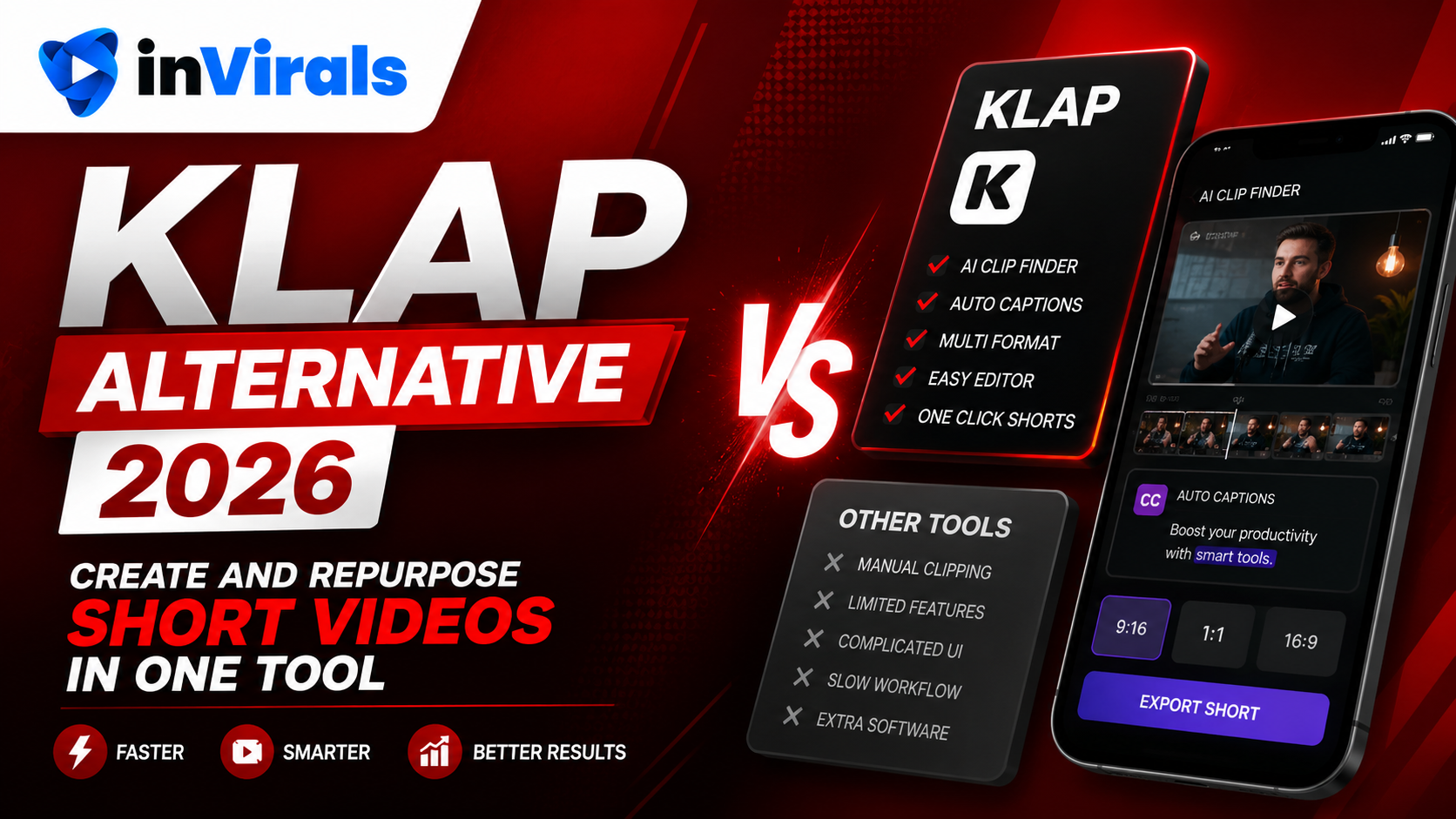
Klap Alternative 2026: Create and Repurpose Short Videos in One Tool
Klap is a popular tool for turning long YouTube videos into short, captioned clips for TikTok, Reels, and Shorts. Like Opus Clip, it focuses on repurposing. Feed it a long video and it extracts the best moments, reframes them vertically, and adds captions. That is useful if you already create long-form content. But Klap shares the same fundamental limitation as every clipping-first tool: it cannot generate original content, and it cannot build a faceless channel from nothing. For creators who need to create as well as repurpose, finding a Klap alternative in 2026 is the logical move.
This guide explains what Klap does, where it stops, and why an all-in-one tool serves most creators better. The short version: clipping is a multiplier, and a multiplier is only as useful as the content you feed it. Pair it with generation and you have a complete engine; rely on it alone and you inherit every limitation of your long-form output.
The repurposing trap: powerful, but it has a floor
Repurposing long content into shorts is genuinely smart. A single one-hour podcast can yield ten to twenty clips, and each clip is a fresh chance to reach a new audience on TikTok, Reels, or Shorts. Tools like Klap made that process fast, and for established long-form creators the value is obvious. The catch is that repurposing has a hard floor: you cannot repurpose what you have not already made. The strategy only works if you are constantly producing long-form content in the first place.
That floor traps a lot of creators. A new creator with no back catalog has nothing to feed a clipping tool. A solo creator who runs out of long videos hits a wall mid-week with no clips left to post. And a creator who wants to enter a niche they do not personally film, history, motivation, finance explainers, true-crime narration, cannot use a clipper at all, because there is no source footage to slice. The result is that a repurposing-only tool quietly caps your output at the rate you produce long-form, which is exactly the bottleneck most creators are trying to escape. A real Klap alternative has to remove that floor by generating original content when you have no footage to clip.
What Klap is good at
Klap earned its reputation by doing one thing competently: turning long recordings into shareable vertical clips with minimal effort. For a creator who already publishes long-form, that is real value, and it is worth acknowledging what the tool gets right before discussing where it stops.
- Extracting high-engagement clips from long videos automatically.
- Reframing horizontal footage into vertical short-form.
- Adds captions and basic effects, ready to post.
- Producing several clips quickly from one source.
The limitations that push creators to alternatives
1. Repurposing only
Klap needs an existing long video. It cannot create a faceless short from a topic or idea. If you do not produce long-form content, Klap has nothing to clip. This single constraint shapes everything else about the tool: it is a multiplier on content you already have, not a source of new content. For creators whose whole goal is to avoid producing long-form, that multiplier has nothing to multiply.
2. No original generation
There is no text-to-video, no AI image generation, and no faceless video creation. Klap rearranges what you give it; it does not produce new visuals. That means you can never enter a niche you do not personally film. Want to run a history page, a space-facts channel, or a motivation account without recording anything yourself? A clipping tool simply cannot help, because there is no footage to rearrange.
3. No autonomous daily series
Klap is a manual, session-based tool. It does not run a hands-off daily series that generates and posts content to your channels automatically. You open it, clip, export, and upload, every single time. For a strategy built on consistent daily volume across three platforms, that manual loop quickly becomes the bottleneck that caps your growth.
4. Single capability
For UGC ads, image-to-video, or original faceless content, you would need additional tools, increasing cost and workflow complexity. Each additional subscription adds a login, a billing cycle, and a file-shuffling step between apps, friction that compounds every day you publish.
inVirals vs Klap: comparison
| Feature | inVirals | Klap |
|---|---|---|
| Clip long videos into shorts | Yes | Yes |
| Generate original faceless videos | Yes | No |
| AI visuals and characters | Yes | No |
| AI script generator | Yes | No |
| Auto-post daily series | Yes | No |
| Auto-captions | Yes | Yes |
| UGC ads and image-to-video | Yes | No |
| Realistic AI voices | 20+ languages | No |
Why inVirals is the stronger Klap alternative
Create and repurpose in one place
inVirals includes an AI clip generator that does Klap's job: it analyzes long videos, finds the best moments, reframes them vertically, and adds captions. But it also generates original faceless videos from a topic. You get both creation and repurposing without juggling two tools. That combination is rare, and it is the whole point: most tools pick a lane, leaving you to bolt a generator onto a clipper or a clipper onto a generator. Having both under one roof means a single login, a single billing cycle, and a single place to manage everything you publish.
No dependency on source footage
This is the decisive advantage. With inVirals you can build a faceless channel without ever recording a long video. When you do have long content, clip it. When you do not, generate from scratch. Klap can only do the former. In practice this means your content pipeline never stalls: a slow week with no new long-form is not a problem, because you simply generate originals to fill it. The tool adapts to your situation instead of forcing your situation to fit the tool.
Automated daily posting
inVirals runs daily series that publish to your connected TikTok, YouTube, and Instagram accounts automatically. Klap requires manual clipping and uploading every time. For consistent growth, automation wins. Set the series once and your channel keeps publishing whether or not you log in, which is exactly the cadence the algorithms reward and exactly the cadence that is hardest to maintain by hand.
A complete content engine
Beyond clipping and faceless generation, inVirals offers UGC ads and image-to-video, covering both organic content and paid creative in one subscription. As your strategy grows, the tooling grows with it, so you are never forced to learn and pay for yet another platform just to add a format.
What makes a clip actually perform
Whether you clip with Klap or with inVirals, the same principles decide whether a clip lands. Auto-clipping tools are good at finding candidate moments, but the human judgment of what makes a clip work still matters. Keep these in mind when you review the clips any tool suggests:
- It opens on a hook, not a wind-up. The strongest clips start mid-thought on the most provocative or surprising line. Trim any throat-clearing before it.
- It stands alone. A viewer who has never seen the source should understand the clip without context. If it references "what we said earlier," it will flop.
- It resolves. The clip should land on a payoff, a punchline, a conclusion, or a cliffhanger, not cut off mid-sentence.
- It is tight. Most viral clips run 20 to 45 seconds. Longer clips need a strong reason to exist.
- The captions carry it on mute. Since most viewers start with sound off, the on-screen text has to deliver the hook by itself.
Create and repurpose: a combined weekly workflow
The real advantage of an all-in-one tool shows up in a weekly routine that mixes both modes. Here is a practical rhythm that keeps a channel posting daily without ever running dry.
- Monday: Upload your latest long video (podcast, stream, or interview) and run the AI clip generator to pull eight to twelve clips.
- Tuesday: Review and lightly edit the best six clips, trimming each to a clean hook and ending.
- Wednesday to Friday: Generate three or four original faceless shorts from trending topics to fill the gaps the clips do not cover.
- All week: Let the daily series auto-post the mix to TikTok, YouTube, and Instagram.
- Sunday: Spend 15 minutes reviewing which clips and generated shorts performed best, then plan more of the winners.
A Klap-only workflow stops on Monday's clips. When they run out, so does your week. The combined workflow never runs out, because generation backfills whatever clipping cannot supply. If you do not produce long-form at all, you simply skip the clipping step and lean entirely on the faceless video generator.
Mistakes to avoid when moving off Klap
- Posting raw auto-clips without review. AI picks good candidates, but a 30-second human check, trim the start, confirm captions, fix the ending, is what separates a flop from a hit.
- Clipping everything. Not every minute of a long video deserves a clip. Ten great clips beat twenty mediocre ones that train the algorithm to expect filler.
- Treating clips and originals as separate channels. Mix them. A feed that blends repurposed moments with original faceless shorts stays varied and grows faster.
- Ignoring vertical framing. A clip reframed badly, with the speaker's head cut off, will underperform no matter how good the content is. Check the reframe before posting.
- Forgetting the script side. When you generate originals, the hook still decides everything. Use the AI hook generator to test several openings.
Pricing logic: one engine vs. a toolchain
Compared on sticker price, a focused clipping tool can look cheaper than an all-in-one platform. But that comparison ignores what you actually need to run a channel. If you build your stack from a clipper plus a separate generator plus a voice tool plus a scheduler, you are paying four bills and managing four workflows. An engine that bundles clipping, original generation, voices, captions, and auto-posting into one subscription usually costs less in total and saves the hours you would spend moving files between apps. Weigh the inVirals pricing against the combined cost of the separate tools it replaces, not against the clipper alone.
When Klap is still a good fit
If you are a long-form YouTuber or podcaster who only needs to slice existing videos into clips, Klap is a clean, focused tool for that. The alternative matters when you want to generate original content, build a faceless channel, or automate daily posting without depending on source footage.
What kinds of long content clip well
Not all long-form content yields good clips, and knowing the difference saves hours. The best source material is conversational or story-driven, where natural high points occur every few minutes. Here is how common formats stack up as clip sources.
| Source type | Clip potential | Why |
|---|---|---|
| Podcast / interview | Excellent | Frequent standalone moments, strong quotes, natural hooks |
| Tutorial / how-to | Strong | Each step or tip can become a self-contained clip |
| Livestream / Q&A | Strong | Audience questions create clean, contained segments |
| Vlog | Moderate | Needs more trimming; high points are spread out |
| Scripted monologue | Moderate | Great if punchy, weak if it builds slowly |
| No long-form at all | Use generation | Generate original faceless shorts instead of clipping |
The pattern is clear: the more your long content naturally contains self-contained, quotable moments, the better it clips. When your source does not fit that pattern, or does not exist, generation is the answer rather than forcing weak clips out of unsuitable footage.
The case for owning both modes
The deepest reason to choose an all-in-one tool over a clipper is resilience. A channel that depends entirely on repurposing is fragile: it stalls the moment you stop producing long-form, take a break, or want to test a niche you do not film. A channel that can both clip and generate is anti-fragile: it keeps posting through every one of those situations. You clip when you have rich source material and generate when you do not, and the audience sees a steady, consistent feed either way.
That consistency is what the algorithms reward. Platforms favor accounts that post reliably, because reliable accounts give them predictable content to distribute. A creator who posts daily for three months straight, mixing clips and originals, sends a much stronger signal than one who posts in bursts whenever they happen to have long content to slice. Owning both modes is what makes that unbroken cadence realistic for one person.
Getting started with inVirals
Moving from Klap to an all-in-one engine is straightforward, and you can keep doing exactly what you did before while gaining the ability to generate. Here is the path:
- Sign up at invirals.com.
- To repurpose: upload a long video and let the AI clip generator do the work.
- To create: enter a topic, choose a style and voice, and generate a faceless short.
- Connect your channels and activate a daily series for automated posting.
The bottom line
Klap is a solid clipping tool, but clipping is only half the job. If you want to both create original faceless videos and repurpose long content, with daily automation and multiple formats, inVirals is the strongest Klap alternative in 2026. It removes the single biggest constraint of clipping-first tools, the dependence on source footage, so your channel keeps publishing in every situation. Start with inVirals and stop depending on source footage to grow.
Frequently asked questions
Can inVirals clip long videos like Klap?
Yes. The AI clip generator finds the best moments in a long video, reframes to vertical, and adds captions, just like Klap.
What if I do not make long videos?
inVirals can generate complete faceless shorts from a topic, so you can build a channel without any source footage.
Does inVirals post automatically?
Yes. Set up a daily series and it publishes to your channels on schedule, which Klap does not do.
Is inVirals worth it compared to Klap?
For most growing creators, yes, because it bundles clipping, original generation, UGC ads, and image-to-video into one subscription rather than a single clipping function.
How many shorts can I get from one long video?
Typically 10 to 20, depending on the length and how many self-contained moments the source contains. A one-hour podcast can easily fill a week of daily posting, and you can backfill the rest of the week with generated originals.
Does inVirals reframe horizontal video to vertical?
Yes. The clip generator automatically reframes 16:9 footage to 9:16, keeping the speaker or key action centered, just like Klap, then adds synced captions on top.
Can I use inVirals in languages other than English?
Yes. When you generate original faceless shorts, you can choose realistic AI voices in 20+ languages, which lets you run the same niche in multiple markets without re-recording anything.
What happens when I run out of long videos to clip?
Nothing stops. You switch to generating original faceless shorts from a topic using the AI shorts generator, so your posting schedule never depends on having fresh source footage.
The bottom line on choosing a Klap alternative
Klap does one thing well: it turns long videos into shareable clips. The question is whether clipping alone is enough for the channel you want to build. Most creators eventually need more than a clipper, because growth on short-form rewards a daily stream of original content, not just highlights from a back catalog. An all-in-one generator covers both jobs, letting you clip existing footage with an AI clip generator while also producing fresh faceless videos from a topic, then auto-posting both to your channels on a schedule. Before you decide, test any tool against your real workflow for a week: generate and clip a batch, time each finished export, and verify scheduled posting works to every connected account without manual re-uploads. The platform that removes the most repetitive steps is the one worth paying for long term. If you want a single subscription that handles clipping and original generation together, try inVirals and check the pricing against your monthly volume.