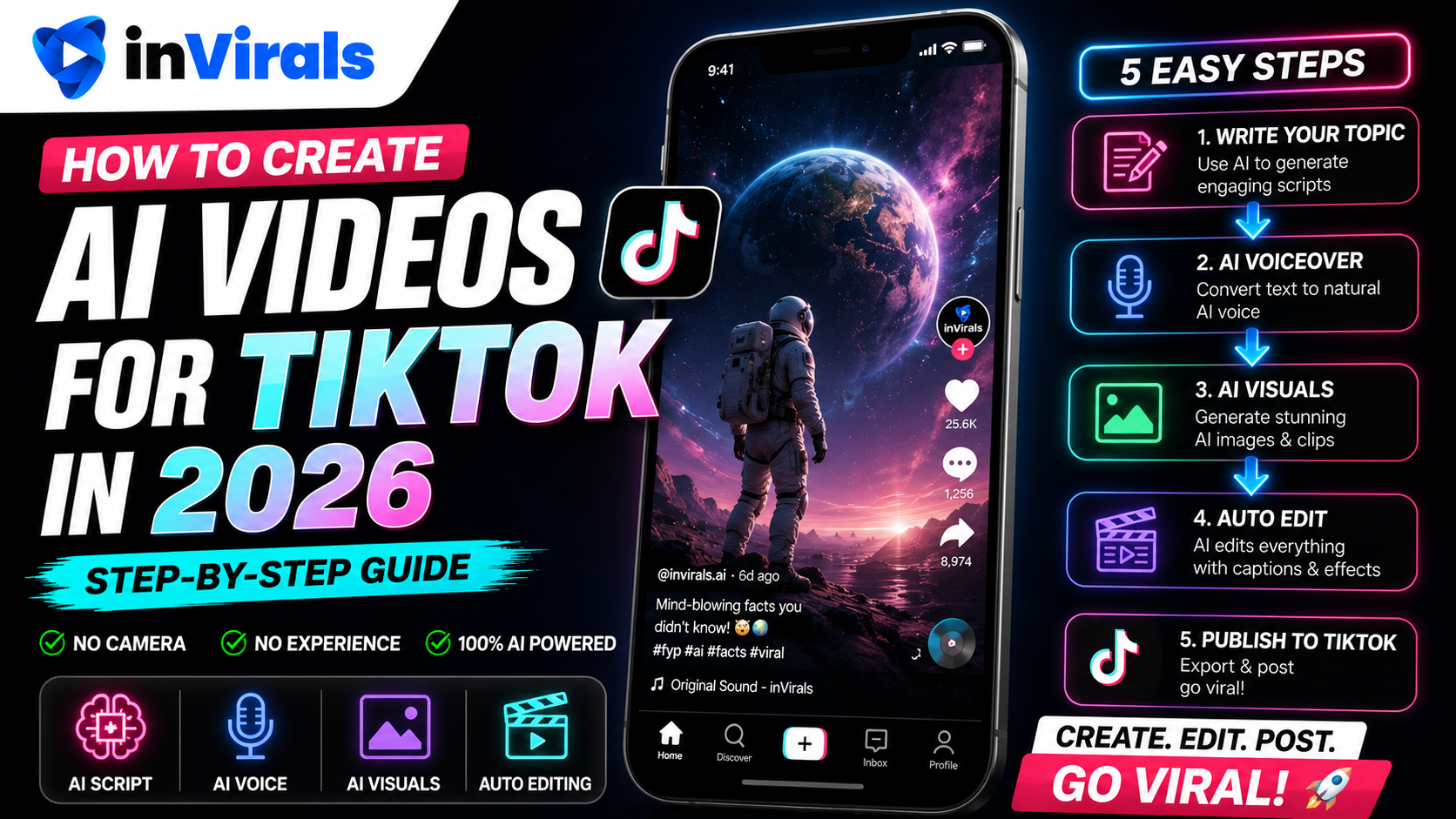
How to Create AI Videos for TikTok in 2026 (Step-by-Step)
TikTok rewards volume, creativity, and consistency, which is exactly why AI video tools have become essential for serious creators in 2026. Instead of spending hours filming and editing, you can generate native-feeling TikTok videos in minutes and post daily without burning out. But there is a right way and a wrong way to do it. Generic AI videos get ignored; well-crafted ones go viral. This step-by-step guide shows you how to create AI videos for TikTok that actually perform.
The promise of AI is not that it makes videos for you while you do nothing, it is that it removes the slowest, most discouraging parts of the process, filming, editing, voiceover, captioning, so the only thing left for you to focus on is the part that actually drives growth: ideas, hooks, and iteration. Used well, an AI tool turns a one-video-per-week hobby into a daily publishing operation that one person can run in their spare time. Used carelessly, it produces forgettable filler. The difference is entirely in the craft choices this guide walks through.
Why AI videos work on TikTok
TikTok's algorithm does not care whether a video was filmed or AI-generated. It cares about watch time, completion rate, and engagement. AI tools let you produce high volumes of content optimized for those exact signals, which means more chances to hit the algorithm's sweet spot. The creators winning on TikTok are not necessarily more talented; they simply test more content faster.
It helps to understand how TikTok actually distributes a video, because it explains why AI volume is such an advantage. When you post, TikTok shows the video to a small test audience first. If that audience watches to the end, rewatches, shares, or comments, the platform widens the distribution to a larger group, then a larger one again. Each video is essentially an independent experiment, and your follower count barely matters for that first test. This is why a brand-new account can go viral on its third post: the algorithm is judging the video, not the channel. The practical implication is enormous, the more quality videos you put into the system, the more experiments you run, and the faster you find the one that breaks out. AI is what makes running dozens of experiments a week realistic for one person.
Step 1: Pick a content angle that fits TikTok
TikTok favors specific formats, and choosing an angle that fits the platform is half the battle. The best angles share two traits: they can be understood instantly without setup, and they trigger an emotional or curiosity response in the first second. The best-performing AI video angles in 2026 include:
- POV / storytelling — first-person narratives with atmospheric visuals.
- Did-you-know facts — surprising information in your niche.
- Rankings and lists — "Top 5..." style content with strong retention.
- Mini-documentaries — cinematic visuals with authoritative narration.
- Scary or mysterious stories — high share rates, viral potential.
Step 2: Write a scroll-stopping hook
On TikTok, the first second decides everything. Your hook must stop the scroll instantly. Effective patterns include:
- "You have been doing X wrong your whole life..."
- "This is the most disturbing fact about Y..."
- "Nobody talks about what really happened when..."
With inVirals, the AI script generator produces hook-first scripts automatically. Enter your topic and it writes an opening designed to grab attention, plus the body and a closing loop.
The mechanics of a hook are worth learning because they are the highest-leverage 10 words in your entire video. A hook works by opening a curiosity gap, a question the brain feels compelled to resolve, or by making a claim bold enough that the viewer needs to know whether it is true. Weak hooks describe; strong hooks provoke. "Today I want to talk about sleep" describes and loses. "You are sleeping in the worst position for your brain" provokes and holds. If you want to test systematically, the AI hook generator can produce five or six different openings for the same script, and posting variations lets TikTok tell you which framing your audience responds to. Treat the first sentence as a separate project from the rest of the video, because it carries more weight than everything that follows combined.
Step 3: Choose a TikTok-native visual style
TikTok audiences scroll fast, so visuals must be striking. inVirals generates original AI visuals in trending styles, anime, cinematic, comic, documentary, so your video looks fresh rather than like recycled stock footage. Match the style to your angle: dark and moody for scary content, bright and dynamic for motivation.
The reason original visuals matter so much on TikTok comes back to the scroll-stop. A viewer's thumb is already moving when your video appears, and the brain decides in a fraction of a second whether the frame is worth pausing for. Footage it has seen before, the same drone shots, the same office b-roll, gets categorized as familiar and skipped. Original AI imagery, generated specifically for your script, breaks that pattern and earns the pause. Consistency compounds the effect: lock in one visual style across all your videos and viewers start recognizing your content in the feed before they even read the caption, which is the first step toward turning passive scrollers into followers. If your niche revolves around illustrating ideas, the text-to-video workflow turns each line of script into a matching original visual automatically.
Step 4: Add a voice that fits the vibe
Voice sets the emotional tone. inVirals offers 80+ realistic AI voices in 20+ languages. Pick an energetic voice for upbeat content, a deep authoritative voice for documentary or mystery, or a conversational voice for relatable storytelling. You can also create content in other languages to tap less competitive markets.
Voice choice is not decoration, it directly moves your completion rate. A voice that races feels frantic and pushes viewers away; one that drags loses them to boredom before the payoff. The cadence should match the niche: brisk and punchy for facts and motivation, slower and more deliberate for suspense and storytelling. A useful trick is to generate the same script with two different voices, watch both back to back, and notice which one keeps you engaged to the end. That instinct usually predicts how your audience will respond, and the right voice frequently lifts retention more than any change to the visuals. Targeting non-English markets is also a genuine growth shortcut, the English TikTok feed is brutally competitive, while many other languages have far more demand than supply.
Step 5: Captions, sound, and pacing
TikTok is watched on mute by default, so captions are non-negotiable. inVirals auto-generates synced captions in trending styles. Keep pacing quick, cuts every few seconds maintain attention. Add background music that matches the mood, and aim for 20 to 45 seconds total length for maximum looping.
For captions, large, high-contrast text positioned in the middle third of the frame works best, with one or two words highlighted as they are spoken. This active-caption style keeps the eye moving and is strongly associated with high-retention shorts. Keep music underneath the voice, around 15 to 20 percent volume, so it sets mood without competing with the narration. On pacing, resist the urge to add a flashy transition on every cut; a clean hard cut every two to four seconds usually outperforms heavy effects, because it keeps the rhythm tight without distracting from the message. The goal is constant, subtle motion that gives the eye a reason to stay.
Step 6: Generate, review, and refine
Generate the video, then watch it critically. Does the first second hook you? Are captions accurate and well-timed? Is the pacing tight? Use the built-in editor to trim, adjust captions, or swap effects. Small refinements often make the difference between a flop and a hit.
Build a quick pre-post checklist and run every video through it: does the opening line provoke curiosity, are there any dead spots where energy drops, do the captions ever block a key visual, and does the ending loop back cleanly to the start. A 30-second review catches the small flaws, a typo in the captions, a beat of silence, an ending that cuts off, that quietly tank an otherwise strong video. This review step is the one piece of the workflow worth doing by hand even when everything else is automated, because the difference between a good hook and a great one is often a single word you only notice on playback.
Step 7: Post consistently and test
One video will not make you go viral. A testing system will. Here is the approach:
- Generate 7 to 10 videos per week across a few angles.
- Post 1 to 3 per day at peak times (morning, lunch, evening).
- After 48 hours, check which had the highest completion rate.
- Make more variations of your winners; drop your losers.
Connect your TikTok account to inVirals and set up a daily series so this volume is sustainable without manual uploads.
Understanding TikTok metrics that actually matter
Posting more is only useful if you read the right signals afterward. TikTok gives you several metrics, but they are not equally important. Here is how to weight them when deciding what to make more of.
| Metric | What it tells you | Priority |
|---|---|---|
| Completion rate | Whether your pacing and length hold attention to the end | Highest |
| Average watch time | How far into the video viewers get before leaving | High |
| Rewatches | Whether the video loops, a strong distribution signal | High |
| Shares | Whether the content is worth sending to a friend | High |
| Comments | Engagement depth and discussion potential | Medium |
| Likes | Light approval; weakest growth signal | Low |
If a video has a high completion rate but few likes, that is still a winning video, completion is what drives distribution. Conversely, a video with many likes but a low completion rate is quietly failing, because the algorithm sees viewers leaving early. Always optimize for retention first.
Why the first three seconds and the last three seconds matter most
Two moments in every TikTok carry outsized weight. The first three seconds determine whether viewers stay at all, this is where your hook lives, and where most videos lose the majority of their audience. The last three seconds determine whether the video loops. A short that ends by circling back to its opening line creates a seamless loop, and loops inflate watch time because TikTok counts the replay. A practical technique is to write the ending so it flows naturally back into the hook, so a viewer who reaches the end is pulled into watching again without realizing it. Nail those two windows and the middle largely takes care of itself.
Common mistakes that kill AI TikToks
- Slow openings. Any intro, logo, or "hey guys" wastes the most valuable seconds you have. Start on the hook.
- Generic visuals. Recycled stock footage reads as filler. Use original AI visuals so the first frame feels new.
- Captions that lag the audio. Out-of-sync captions break immersion. Confirm timing before posting.
- Posting once and quitting. One video is one experiment. Growth comes from running many. Automate to keep volume up.
- Ignoring what works. When a video outperforms, make three more like it instead of chasing a new idea.
- Videos that run too long. Padding lowers completion rate. Cut everything that does not earn its place.
A realistic 30-day TikTok plan with AI
- Week 1: Pick one niche and generate 15 to 20 videos across three or four angles. Post two a day.
- Week 2: Review completion rates. Identify your two best-performing angles and make more variations of them.
- Week 3: Double down on the winning angle. Test new hooks on the same proven format using the TikTok video generator.
- Week 4: Lock in your best format, voice, and visual style as a repeatable template, and let the daily series run it automatically.
Thirty days of this loop teaches you more about your audience than months of guessing, because every video is real data. The only requirement is volume, and AI is what makes that volume possible without burning out.
One mindset shift makes this whole plan work: treat individual videos as disposable and the system as permanent. Most videos will be average, a few will flop, and a small number will outperform everything else, and that is exactly how it is supposed to go. Your job is not to make every video perfect; it is to keep the system running so the occasional breakout has a chance to appear. Creators who obsess over polishing a single video post less and learn slower. Creators who keep the volume high, review the data weekly, and double down on what works are the ones who break out, and an automated daily series with a tool like the AI shorts generator is what makes that sustainable for one person.
TikTok optimization checklist
- Hook in the first second.
- Length 20 to 45 seconds.
- Captions always on.
- End with a loop or cliffhanger.
- 3 to 5 relevant hashtags.
- Post at peak audience times.
The bottom line
Creating AI videos for TikTok in 2026 comes down to strong hooks, native visuals, the right voice, tight pacing, and consistent testing. AI removes the production bottleneck so you can focus on what actually drives growth: volume and iteration. The creators who win are not the ones with the best single video, they are the ones who ship the most experiments and learn the fastest from the data. Start creating TikTok videos with inVirals and post your first AI short today.
Frequently asked questions
Will AI videos get flagged or banned on TikTok?
No, as long as the content is original and provides value. TikTok does not penalize AI-generated content; it ranks based on engagement and watch time.
How many AI videos should I post on TikTok per day?
One to three per day is ideal. AI automation makes this volume realistic without spending hours creating.
Do AI videos really go viral on TikTok?
Yes. Many viral TikTok accounts in 2026 are fully AI-generated. Strong hooks and high posting volume are the keys.
What is the best tool for TikTok AI videos?
For an all-in-one workflow with scripts, visuals, voices, captions, and auto-posting, inVirals is a top choice in 2026.
How long should my AI TikToks be?
For most niches, 20 to 45 seconds performs best because it is long enough to deliver value and short enough to loop. Test within that range and let completion rate guide you; if viewers consistently drop before the end, your videos are too long.
Do I need to use trending sounds on AI videos?
Trending sounds can help discovery, but a strong hook and high completion rate matter more. With AI videos, prioritize a scroll-stopping opening and tight pacing; add trending audio when it fits naturally rather than forcing it.
How many videos before I see results on TikTok?
Treat your first 20 to 30 videos as experiments. Posting two a day, that is about two weeks of data, enough to spot which angles and hooks resonate. Most accounts that fail simply quit before they have run enough experiments.
Can I make TikToks in other languages with AI?
Yes. inVirals offers realistic voices in 20+ languages, so you can target non-English TikTok audiences that face far less competition than the saturated English-language feed.