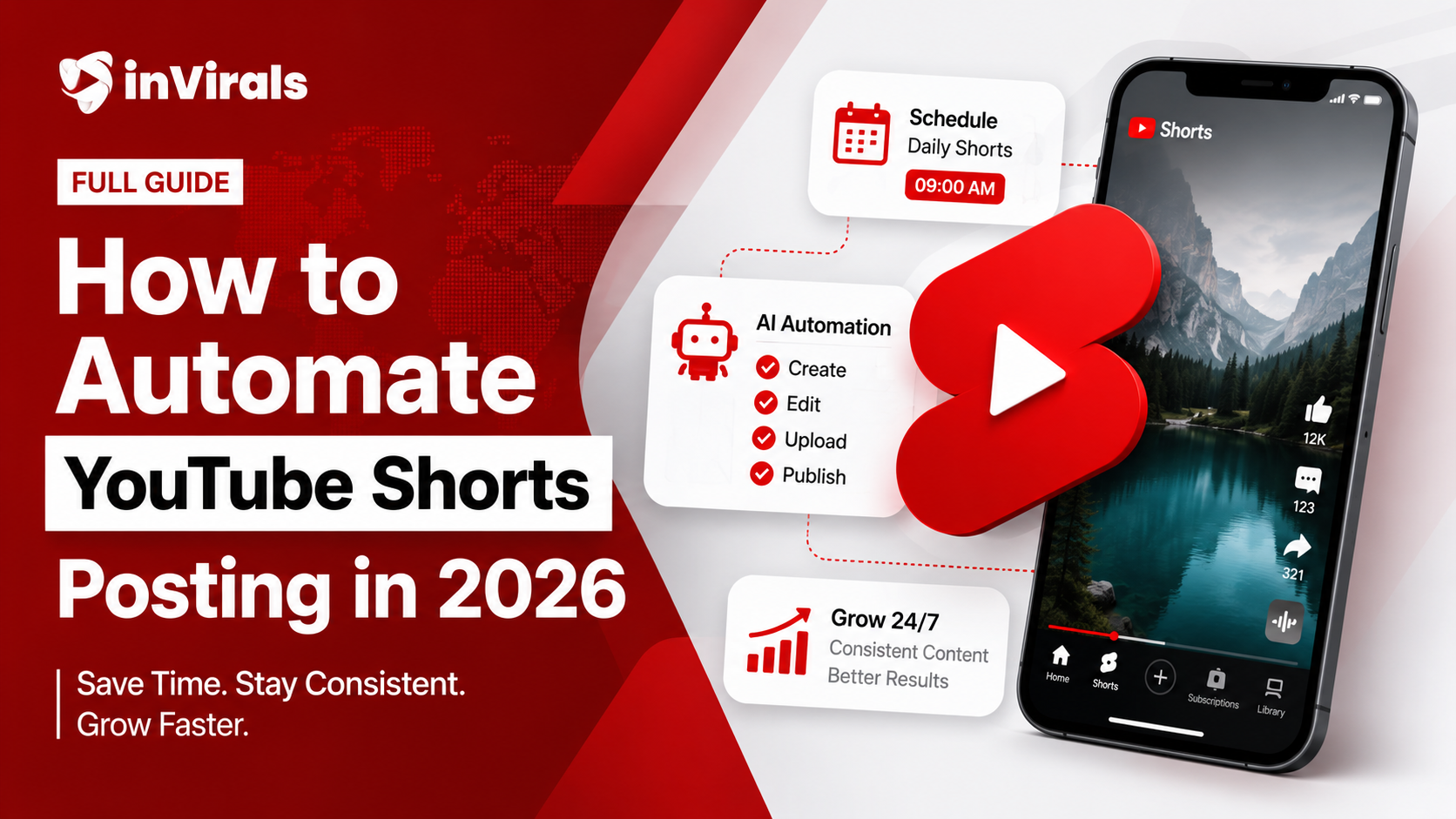
How to Automate YouTube Shorts Posting in 2026 (Full Guide)
The creators growing fastest on YouTube Shorts in 2026 share one trait: they post every single day without spending hours creating. The secret is automation. AI tools now handle scripting, video generation, and scheduled uploads end-to-end. This guide walks you through setting up a fully automated Shorts pipeline, from choosing the right tool to running multiple series, keeping automated content from feeling robotic, and turning consistent posting into real revenue.
What does automation actually mean?
Full Shorts automation covers three layers:
- Content generation — AI creates the script, visuals, voiceover, captions, and music.
- Scheduling — Videos are queued and published on a daily cadence automatically.
- Cross-platform — The same content goes to TikTok and Instagram Reels simultaneously.
The result: you set up a series once, and your channel publishes fresh content every day without manual uploads. Each layer removes a task that used to require your hands and attention, and together they turn a daily-posting habit from a grind into a background process.
The hidden cost of manual posting
Before diving deeper into setup, it helps to see exactly what automation saves you, because the cost of doing it by hand is larger than most creators realize. A manual daily-posting routine looks deceptively small: write a script, generate a voiceover, find or create visuals, edit them together, export, open YouTube, upload, write a title and description, add hashtags, set a thumbnail, and publish. Done properly, that is 30 to 60 minutes per video. Multiply by daily posting across three platforms and you have a part-time job before you have earned a dollar. Worse, the repetition is exactly the kind of work that erodes motivation, which is why so many channels go quiet after a few weeks. Automation does not just save time; it removes the friction that causes creators to quit. That is the real reason the fastest-growing channels run on a hands-off pipeline built with an AI faceless video generator.
Step 1: Choose your automation tool
Not all AI video tools include true automation. Many generate videos but still require you to download and upload manually. Look for these features:
- Direct YouTube channel connection
- Scheduled daily series (not just one-off generation)
- Auto-title, auto-description, auto-hashtags
- Multi-platform support (YouTube + TikTok + Instagram)
- A built-in AI script generator so each video is written for retention, not just narrated
- An editor for quick fixes without leaving the platform
inVirals covers all of these: connect your channels, create a daily series, and it generates and posts a new short every day on autopilot. If you want to grow one platform first, the dedicated AI YouTube Shorts generator is tuned specifically for the vertical format and pacing YouTube rewards.
Step 2: Connect your YouTube channel
- Open inVirals and go to the social connections settings.
- Click "Connect YouTube" and authorize your Google account.
- Select which channel to post to (if you have multiple).
- Repeat for TikTok and Instagram if you want cross-platform posting.
This is a one-time setup. Once connected, the platform posts directly to your channels without manual intervention.
Step 3: Create a daily series
A daily series is an automated queue that generates a new video and posts it at a set time every day. Here is how to set one up:
- Pick your niche/topic. Example: "Motivation quotes", "History facts", "Scary stories".
- Choose visual style. Documentary, anime, comic, cinematic, etc.
- Select voice and language. Pick from 80+ AI voices in 20+ languages.
- Set posting time. Choose when you want daily uploads to publish.
- Activate. The series starts generating and posting tomorrow.
Tip: Run 2-3 series in parallel with different topics. This lets you test what resonates without manual effort, and once one pulls ahead you can pour more energy into the winning theme.
Step 4: Quality check the first few outputs
Automation does not mean no oversight. The goal is to remove repetitive labor, not your judgment. For the first 3-5 videos of any new series:
- Watch each generated video before it posts.
- Check that captions are accurate and timing feels natural.
- Make sure the hook grabs attention in the first second.
- Use the built-in editor to fix anything if needed.
After you are confident in the quality, let it run. Check analytics weekly instead of daily.
Step 5: Monitor and optimize
Every week, spend 15 minutes reviewing performance. This small, recurring habit is where most of your growth comes from once the pipeline is running:
- Which topics got the most views? Make more of those.
- Which had the best retention? Those are your strongest hooks and formats.
- Which underperformed? Adjust the series topic or swap the style.
The beauty of automation is that optimization is additive. You do not rebuild from scratch — you adjust one variable at a time and the system keeps publishing. A single change to a topic direction or hook style can lift an entire series without interrupting your posting streak.
Running multiple series in parallel
Once your first series is stable, the real power of automation reveals itself: you can run several at once. Because the system handles generation and posting, the marginal effort of a second or third series is mostly the initial setup. This unlocks two strategies. The first is testing: run three series in different niches and let the data show you which one the audience responds to, instead of betting months on a single guess. The second is scaling: once you find a winner, spin up parallel series in the same niche but different angles, or replicate the winning format across separate channels. A single creator can realistically manage three to five automated series, which would be impossible to sustain by hand. You can also diversify the format mix by feeding long content through the AI clip generator so a single upload becomes a week of extra shorts.
Keeping automated content from looking automated
The biggest risk with automation is sameness. If every video uses an identical structure, the same background, and the same cadence, viewers start to feel the machine behind it, and engagement drops. Avoiding that is straightforward with a few habits. Vary your hooks so openings do not feel templated. Rotate among a few visual styles within a series rather than locking to one. Let the AI video hook generator produce several openings and pick the strongest. And use the built-in editor on your highest-stakes videos to add a personal touch the default output would not have. Automation should remove repetitive labor, not creative judgment. The channels that win with automation treat the system as a tireless production assistant while keeping a human eye on quality.
Cross-platform automation: one series, three platforms
The same vertical short that performs on YouTube Shorts works on TikTok and Instagram Reels with no changes, so posting to all three roughly triples your distribution for the same production effort. With multi-platform automation you connect all three accounts once and a single daily series publishes to each in the correct format. There is no re-exporting, renaming, or re-uploading. If you want platform-specific tuning, you can run a slightly punchier cut through the AI TikTok video generator while keeping a cleaner version for YouTube. Cross-posting is the single highest-leverage automation setting, because it multiplies reach without multiplying work.
What about YouTube's rules on automated content?
YouTube does not ban automated uploads. What they penalize is:
- Mass-produced low-quality content that adds no value.
- Reused content from other creators.
- Misleading metadata.
As long as your videos are original (AI-generated unique scripts, visuals, and voices), provide value to viewers, and have accurate titles, automated posting is perfectly within YouTube's policies.
Automation results timeline
| Timeframe | What happens |
|---|---|
| Week 1-2 | First videos go live. Low views, algorithm learning. |
| Week 3-4 | Some videos catch traction. First few hundred to thousand views. |
| Month 2 | Best topics identified. Views compound as library grows. |
| Month 3-4 | Consistent daily traffic. Approaching monetization thresholds. |
| Month 5+ | Revenue starts. Scale to multiple series or channels. |
A complete automation setup checklist
Use this checklist to take a channel from zero to fully automated. Each item is quick, and once they are all done your channel runs without daily input.
- Channel created and branded. Niche-signaling name, simple logo, keyword-rich description.
- Accounts connected. YouTube authorized, plus TikTok and Instagram if you want cross-posting.
- Niche and style chosen. A topic you can produce 100+ videos for, and a visual style that suits it.
- Voice and language selected. A realistic voice that matches your niche, in any of 20+ languages.
- Posting time set. A daily slot aligned with when your target audience is most active.
- First batch quality-checked. Three to five videos reviewed for hook, captions, and pacing.
- Series activated. Automation switched on and confirmed publishing correctly.
- Weekly review scheduled. A recurring 15-minute slot to read analytics, spot winners, and adjust the series direction.
How to optimize an automated channel over time
Automation is not "set it and forget it forever." It is "set it and refine it occasionally." The most successful automated channels treat optimization as a small, additive weekly habit rather than a rebuild. Each week, identify your best-performing video and ask why it worked: was it the hook, the topic, or the style? Then feed that answer back into the series by nudging the topic direction or testing a new opening. Drop formats that consistently underperform. Because the system keeps publishing while you adjust, you never lose momentum, and your channel gets measurably better month over month. This compounding refinement is what separates an automated channel that plateaus from one that keeps climbing, and it takes only minutes a week once the pipeline is running.
Common automation mistakes to avoid
- Setting it and never checking. Automation needs occasional oversight. Skipping the first-batch quality check lets weak videos slip out under your brand.
- Letting every video look identical. Vary hooks and styles so the content does not feel machine-stamped.
- Choosing a niche you cannot sustain. If you run out of topics in two weeks, the series stalls. Pick something with deep, evergreen subject matter.
- Ignoring analytics. The data is the whole advantage of posting at volume. Not reading it wastes the experiment.
- Posting low-value filler. Automation amplifies whatever you feed it. Generic, valueless videos get amplified into generic, valueless reach.
Pros and cons of full automation
Pros
- Daily posting without daily effort, which is the single strongest growth lever on Shorts.
- Consistency that survives busy days and dips in motivation, which is what most channels lack.
- The ability to run multiple series and channels at once.
- Cross-platform reach from a single setup.
- Predictable cost compared with stitching together several separate tools for scripting, editing, and posting.
Cons
- Requires light oversight; it is not entirely hands-off.
- Quality depends on the niche and inputs you choose.
- Without variation, automated content can start to feel repetitive.
From automation to revenue
The end goal of automated posting is not just views; it is income, and automation is what makes the path realistic for one person. By keeping a daily stream of original content flowing across YouTube, TikTok, and Instagram, you build toward monetization thresholds faster than manual posting ever could. Once eligible, a faceless channel typically layers several revenue streams: ad revenue through the Partner Program, affiliate links in descriptions, sponsorships once you have an audience brands want, and your own digital products. Because automation lets you run several channels, you can also diversify income across niches rather than depending on one. Check the pricing of your tool against the output you need, and treat the subscription as the operating cost of a content business that runs while you sleep.
Why daily beats weekly for Shorts
A common question is whether daily posting is really necessary or just hype. The honest answer is that on Shorts, frequency is one of the strongest controllable variables. Every video you publish is a fresh test the algorithm runs against a small audience, and more tests mean more chances to find the one that breaks out. A channel posting once a week gives the system 52 data points a year; a channel posting daily gives it 365. That difference compounds, because each breakout also lifts the channel's standing and pulls more eyes to the next upload. Daily posting used to be unrealistic for one person because production was the bottleneck. Automation removes that bottleneck entirely, which is precisely why the fastest-growing faceless channels in 2026 post every day. You are not working harder than the weekly creator; you have simply built a system that produces while you do other things.
The bottom line
Automating YouTube Shorts posting in 2026 is no longer complex or expensive. Connect your channel, set up a daily series, quality-check the first few videos, and let the system publish daily. Your channel grows while you focus on strategy, not production. The creators seeing the fastest results are not necessarily more talented; they have simply built a pipeline that posts consistently, run light weekly optimization, and let volume and time do the compounding.
Set up automated YouTube Shorts with inVirals and start publishing daily on autopilot.
Automation across multiple formats, not just Shorts
The most resilient automated channels do not rely on a single content type. Once your daily Shorts series is stable, you can layer additional automated formats that feed the same channels without adding much hands-on work. A long video you record once can be fed through the AI clip generator to produce a week of extra Shorts automatically. Standalone pieces that do not fit a series can be produced on demand with the general AI video generator. And the same vertical output can be pushed to Instagram through an AI Reels generator so a single production reaches a third audience.
The point is that automation is not limited to one repeating series. Think of it as a set of pipelines that each remove a different manual task, and that together keep your channels active far beyond what one person could sustain by hand. A creator running a daily faceless series, a weekly clip-harvest from long content, and cross-posting to three platforms is effectively operating a small studio, yet the daily time commitment stays measured in minutes because each pipeline runs on its own. The skill shifts from production to orchestration: choosing which formats to automate, checking quality periodically, and reading the analytics that tell you where to expand next.
Frequently asked questions
Is it okay to auto-post to YouTube?
Yes, as long as the content is original and provides value. YouTube does not penalize automated uploads. They penalize low-quality spam.
How many shorts should I auto-post per day?
One per day is the sweet spot for most channels. Two to three per day works if quality stays high and topics stay varied.
Can I auto-post to TikTok and Instagram too?
Yes. Tools like inVirals support multi-platform posting, so the same video goes to YouTube, TikTok, and Instagram on schedule.
Do I still need to check my videos if everything is automated?
For the first few videos of any new series, yes. Spend two minutes confirming the hook lands, captions are accurate, and pacing feels natural. Once a series consistently passes that check, you can shift to a weekly review instead of watching every upload.
Will automated content hurt my channel's standing?
No, provided the content is original and useful. YouTube's policies target reused and low-value spam, not the use of automation. Original AI scripts, visuals, and voices that inform or entertain are fully compliant.
How many series should I run at once?
Start with one and prove it works. Once it is stable, most creators can comfortably manage three to five automated series, either to test different niches or to scale a winning format across angles and channels.
How soon will I see results from automated posting?
Expect low views in the first two weeks while the algorithm learns your channel, some traction by weeks three and four, and compounding growth from month two as your library grows. Consistency through the quiet early period is the key.
Can automation write titles and descriptions too?
Yes. A full automation tool generates titles, descriptions, and hashtags along with the video, so the entire publishing step happens without manual input. You can still override any of it when you want a specific angle.